
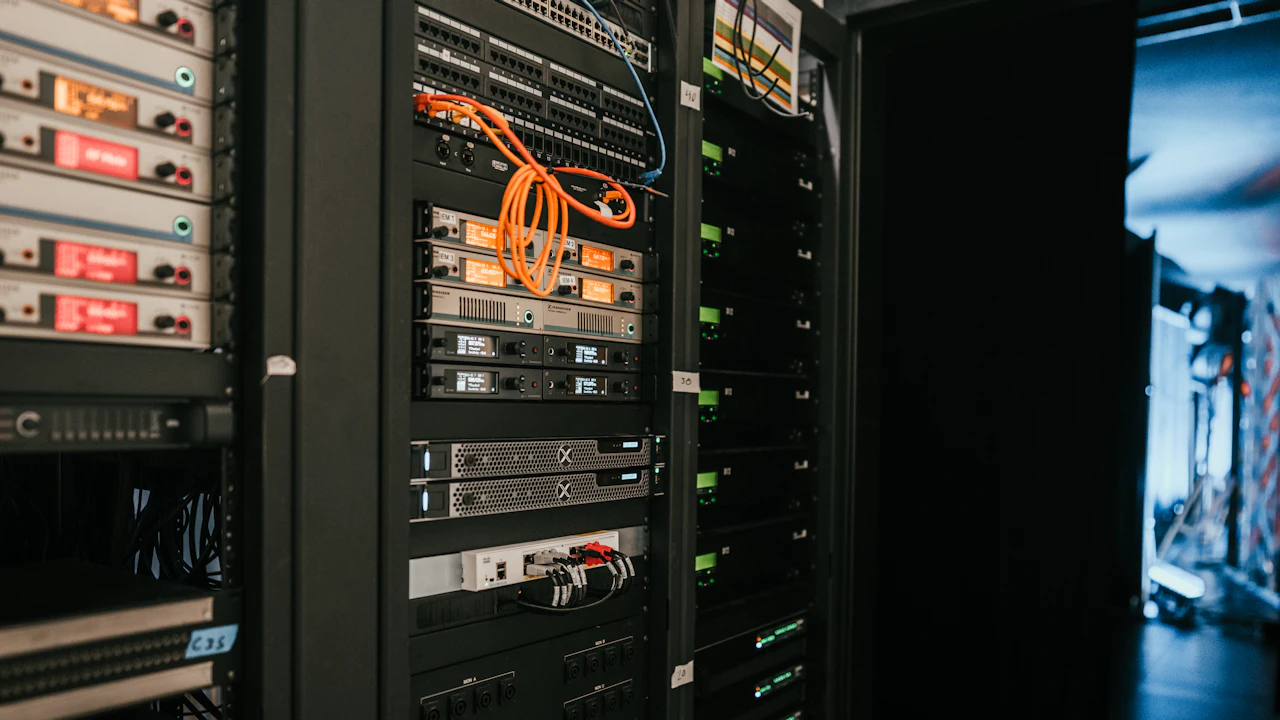
A rack of servers in a server room

Technology

We build any kind of coded product. And hardware too.

Websites, apps, AI assistants, automations, 3D and firmware, plus the servers, networks, field tablets and small devices they run on.

  • Cloud platforms
  • Accounting systems
  • Payment processors
  • Messaging tools
  • Spreadsheets
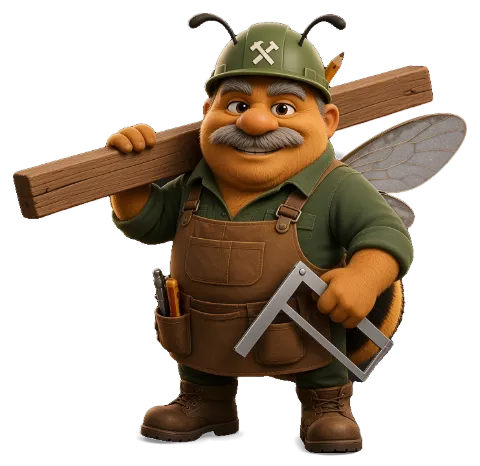
Ziggy Linkwell, our low-voltage bee
Sunny Raylee, our solar bee

Software we build

Thirteen kinds of software, one team.

Each one is real, built by our team, and has a story. Meet the character behind it.

  • 01Captain Parity, precon parity lead

    Pinnacle Precon desk

    One program for the whole electrical shop: 13 parts behind one sign-in.

    Read the story
  • 02Electrical Bee, our electrical bee

    Takeoff Desk

    Open the plans, click to count and measure, and the estimate builds itself.

    Read the story
  • 03Penny Tallybright, our office (estimator / admin) bee

    Cost Control

    Every job's bills, payments, changes and billing forms in one place.

    Read the story
  • 04Major Milestone, pm reviewer

    Hours, Payroll and dispatch

    A phone time card for the crew, a payroll screen and a who's-where board.

    Read the story
  • 05Quill Answerby, precon chat & cites

    AI helper

    Answers questions and drafts text. The person stays in charge.

    Read the story
  • 06Index Ingrid, file index lead

    Drawing OCR

    Pulls the words off plan sheets so they can be searched.

    Read the story
  • 07Bargain Bea, electrical supply sourcing

    Live Material and Bid Board

    Prices that stay current and every bid with its due date.

    Read the story
  • 08Ivy Envelope, invite lead

    Teams

    Chat, channels, meetings and shared files, inside the same program.

    Read the story
  • 09Gatekeeper Zara, zero trust lead

    Pinnacle Connect

    Sign in, click once, and the office desktop appears at home. It even prints.

    Read the story
  • 10Medi Shopwright, tool store builder

    The Tool Store

    Several tool shops online, all on one engine.

    Read the story
  • 11Boss Bee, the queen of our hive

    The bot team

    More than 90 helpers with clear jobs, shared rules and Michael's OK on key steps.

    Read the story
  • 12Webby Storefront, store web designer

    Websites

    Clear websites that explain what you do and bring in quote requests.

    Read the story
  • 13Reel McFlicker, 3d animation studio

    Explainer videos

    Short, plain scripts turned into narrated videos.

    Read the story

And any other kind of software, for any industry.

Hover or tap a card to see three uses and where we're taking it.

  • A laptop showing a website

    Websites and online stores

    Fast sites that look established, are easy to update, and are built to be found on Google, with a store when you sell online.

    Hover or tap to see uses

    Websites and online stores

    Three uses, three industries

    • A contractor's site that turns visitors into bid requests
    • A bakery's store with pickup times
    • A clinic's site with forms patients can fill in before a visit

    Where we're taking it

    One store engine that runs several branded shops, each with its own catalog.

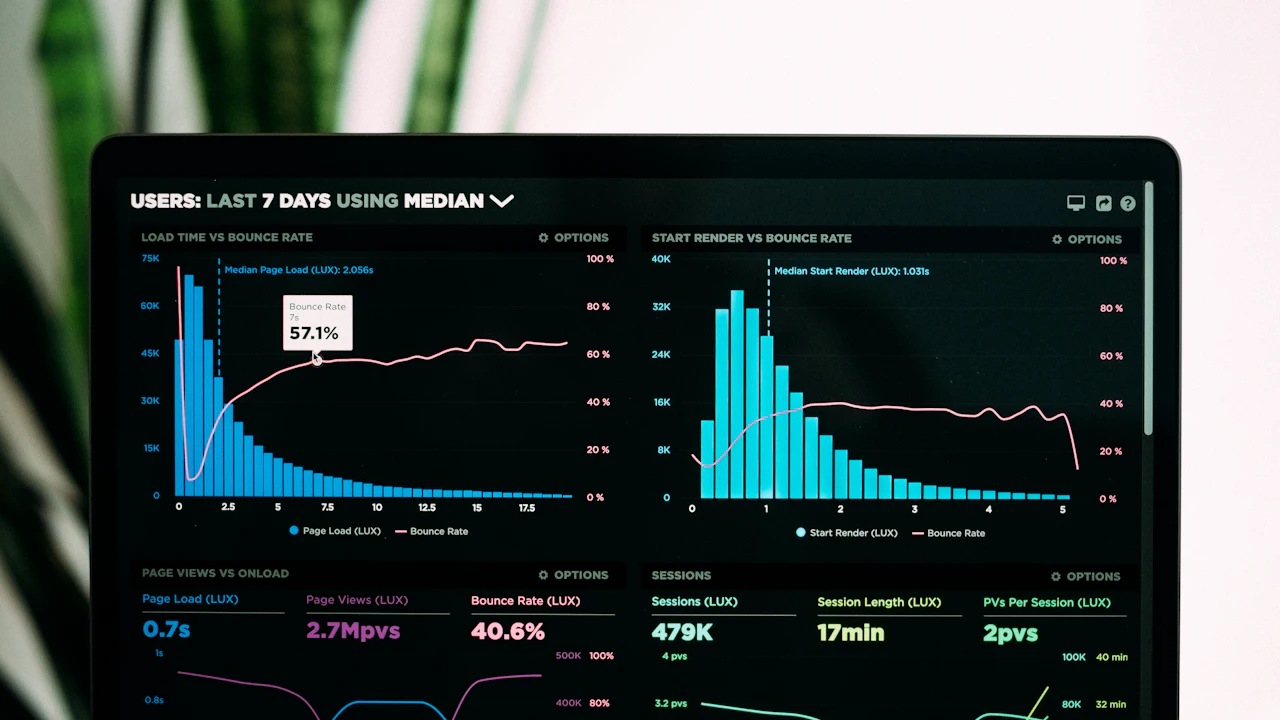
  • A dashboard of charts on a laptop

    Web apps and dashboards

    Software that runs in the browser: sign in, do the work, see the numbers. No installs to manage.

    Hover or tap to see uses

    Web apps and dashboards

    Three uses, three industries

    • Job cost and billing for a contractor
    • Case tracking for a small law office
    • Inventory and orders for a warehouse

    Where we're taking it

    A whole office on one sign-in, with each module switched on only when the shop needs it.

  • A tablet and a phone on a desk

    Phone and tablet apps

    Apps for the people who aren't at a desk: crews, drivers, inspectors and techs.

    Hover or tap to see uses

    Phone and tablet apps

    Three uses, three industries

    • Crew time cards from the job site
    • Delivery photos and signatures for a courier
    • Room checklists for a cleaning company

    Where we're taking it

    Hours logged by voice from the truck, straight into payroll.

  • A desktop monitor and keyboard

    Desktop software

    Programs that run on office PCs when the work needs big screens, local files or no internet.

    Hover or tap to see uses

    Desktop software

    Three uses, three industries

    • A plan-reading desk for estimators
    • A label and packing station for a shop
    • A scheduling board for a print shop

    Where we're taking it

    Desktop tools that sync with the web app, so the office and the field see the same job.

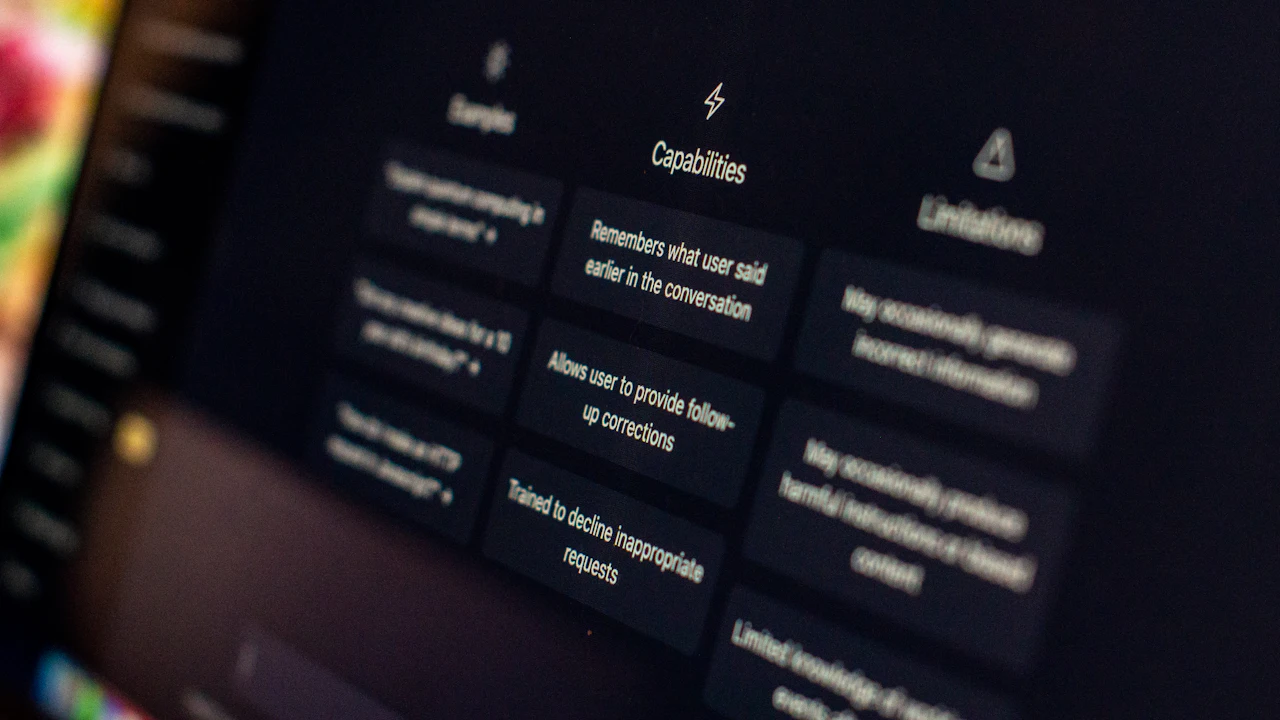
  • A chat assistant on a computer screen

    AI assistants and chatbots

    Helpers that answer questions, draft documents and look things up in your own records.

    Hover or tap to see uses

    AI assistants and chatbots

    Three uses, three industries

    • An estimator's helper that drafts proposals
    • A front-desk bot that answers common customer questions
    • A policy helper for an HR team

    Where we're taking it

    A private AI crew on your own server, so your data never leaves the building.

  • A condenser microphone

    Voice assistants

    Talk instead of type: speech to text, text to speech, and voices for videos and phones.

    Hover or tap to see uses

    Voice assistants

    Three uses, three industries

    • A foreman logging hours out loud
    • Narrated training videos for new hires
    • A phone menu that understands plain speech

    Where we're taking it

    Say "four hours on the panel, two boxes of wire" and it's logged.

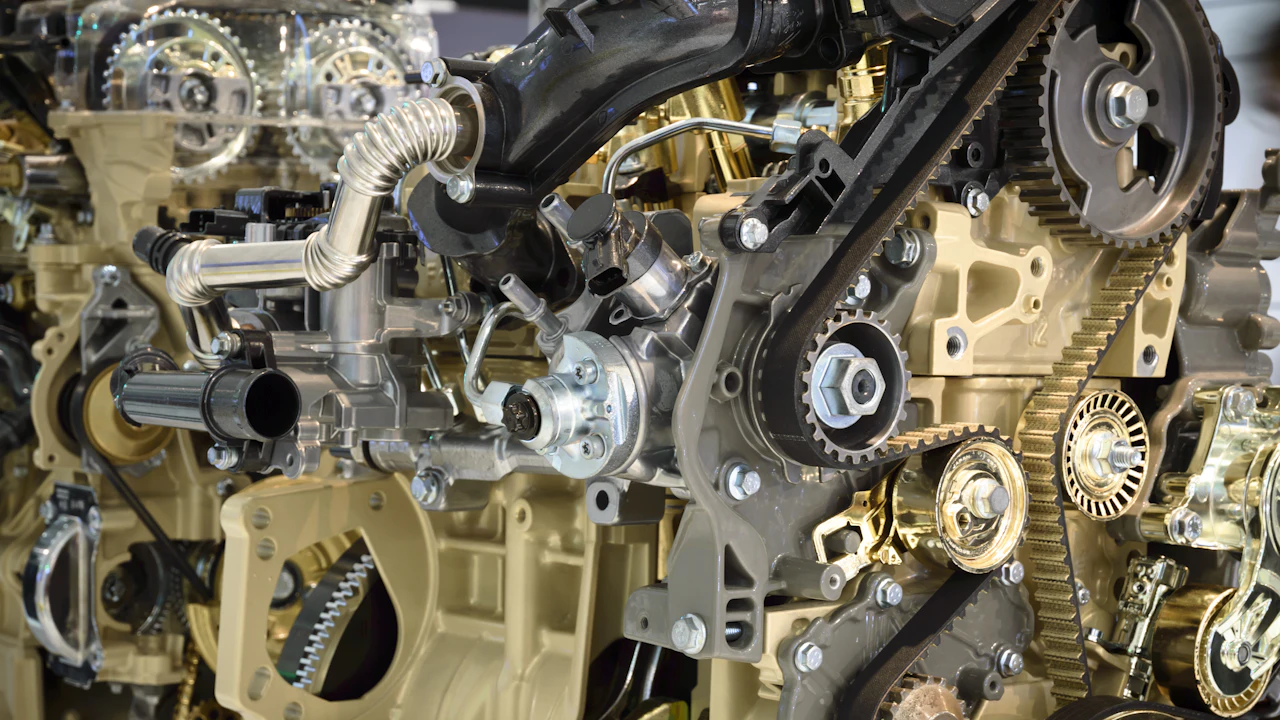
  • Close-up of gears in a machine

    Automations and integrations

    Connect the tools you already use so the copying, sorting and reminding happens on its own.

    Hover or tap to see uses

    Automations and integrations

    Three uses, three industries

    • Bid emails filed into the right job folder
    • Invoices from email into the accounting system
    • Appointment reminders for a dental office

    Where we're taking it

    An inbox that reads each bid request and starts the estimate for you.

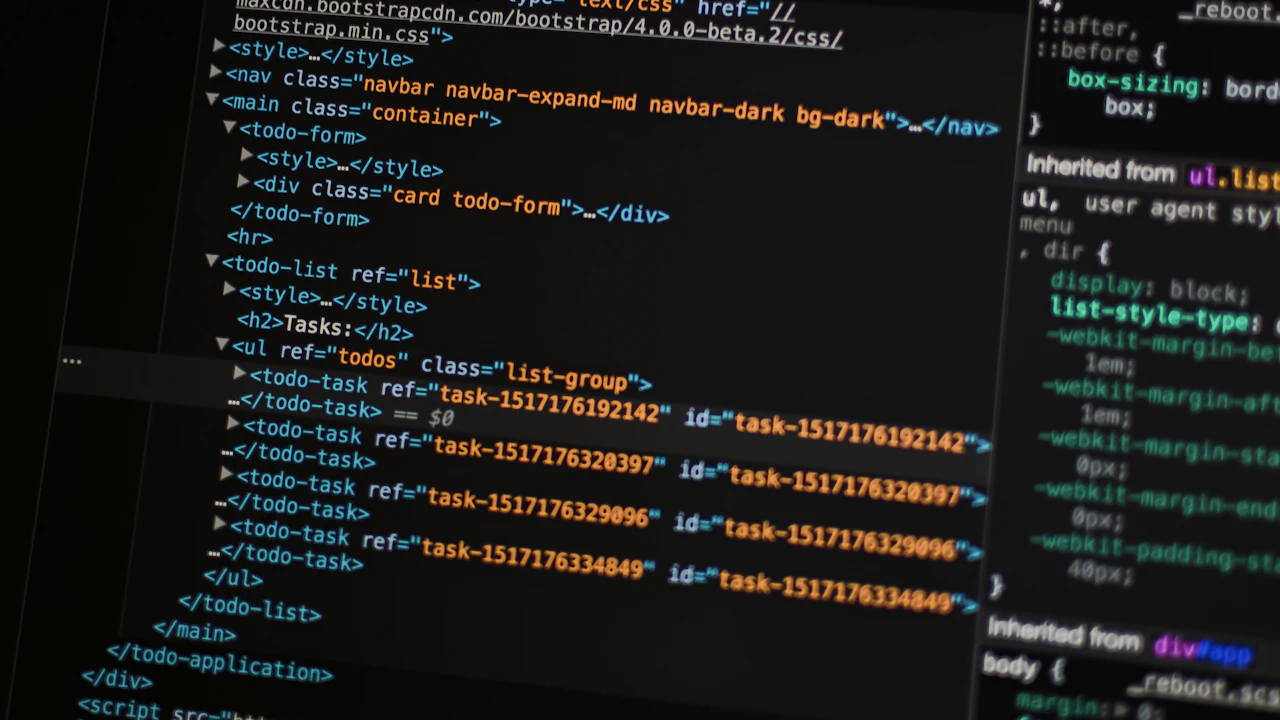
  • A monitor showing program code

    APIs and back ends

    The engine behind the screens: databases, sign-in, files and the links between systems.

    Hover or tap to see uses

    APIs and back ends

    Three uses, three industries

    • One database behind a web app and a phone app
    • A parts catalog other shops can query
    • A secure file store for a design firm

    Where we're taking it

    Every product we build shares one back end, so new modules plug straight in.

  • A hand-drawn line graph with a ruler and pens

    Data and reporting

    Turn records into clear reports: what made money, what's late, and what's next.

    Hover or tap to see uses

    Data and reporting

    Three uses, three industries

    • Job profit and WIP for a contractor
    • Sales by store for a retailer
    • Grant spending for a nonprofit

    Where we're taking it

    Reports that check themselves against the old system before anyone relies on them.

  • A virtual reality headset

    3D, AR and VR

    See buildings, products and places in 3D, on a screen or in a headset.

    Hover or tap to see uses

    3D, AR and VR

    Three uses, three industries

    • Walk a job site in 3D with notes pinned to the walls
    • Show a customer a kitchen before it's built
    • Train staff on equipment without the equipment

    Where we're taking it

    Replay a job walk in 3D and see what was planned next to what was built.

  • A game controller in neon light

    Games and interactive media

    Interactive stories, games and animations that teach, sell or just entertain.

    Hover or tap to see uses

    Games and interactive media

    Three uses, three industries

    • A safety quiz game for new crews
    • An interactive product tour for a store
    • A learning game for a classroom

    Where we're taking it

    The Bots & Bees characters in an interactive show for families.

  • A car instrument panel

    In-vehicle apps

    Screens and apps for trucks and vans: routes, checklists and the day's jobs, safe to use on the road.

    Hover or tap to see uses

    In-vehicle apps

    Three uses, three industries

    • A service van's job list and route
    • Pre-trip inspection checklists for a fleet
    • Delivery stops for a supplier

    Where we're taking it

    The crew lead's whole day on the dash: jobs, hours and materials.

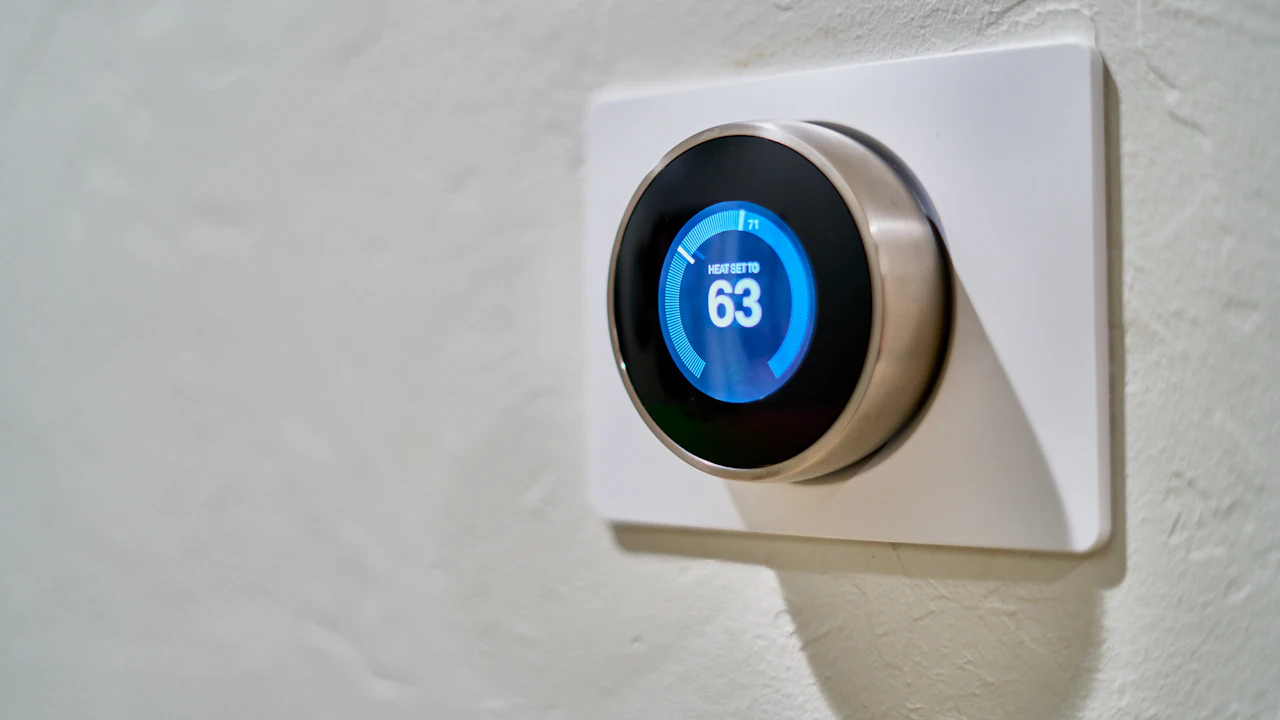
  • A smart thermostat on a wall

    Smart-device firmware

    The code inside devices: sensors, controllers and gadgets that talk to your apps.

    Hover or tap to see uses

    Smart-device firmware

    Three uses, three industries

    • A temperature alarm for a walk-in cooler
    • A door counter for a store
    • A water-leak sensor for a property manager

    Where we're taking it

    Small sensors on the job that report to the job book on their own.

Hardware we build

The machines it runs on.

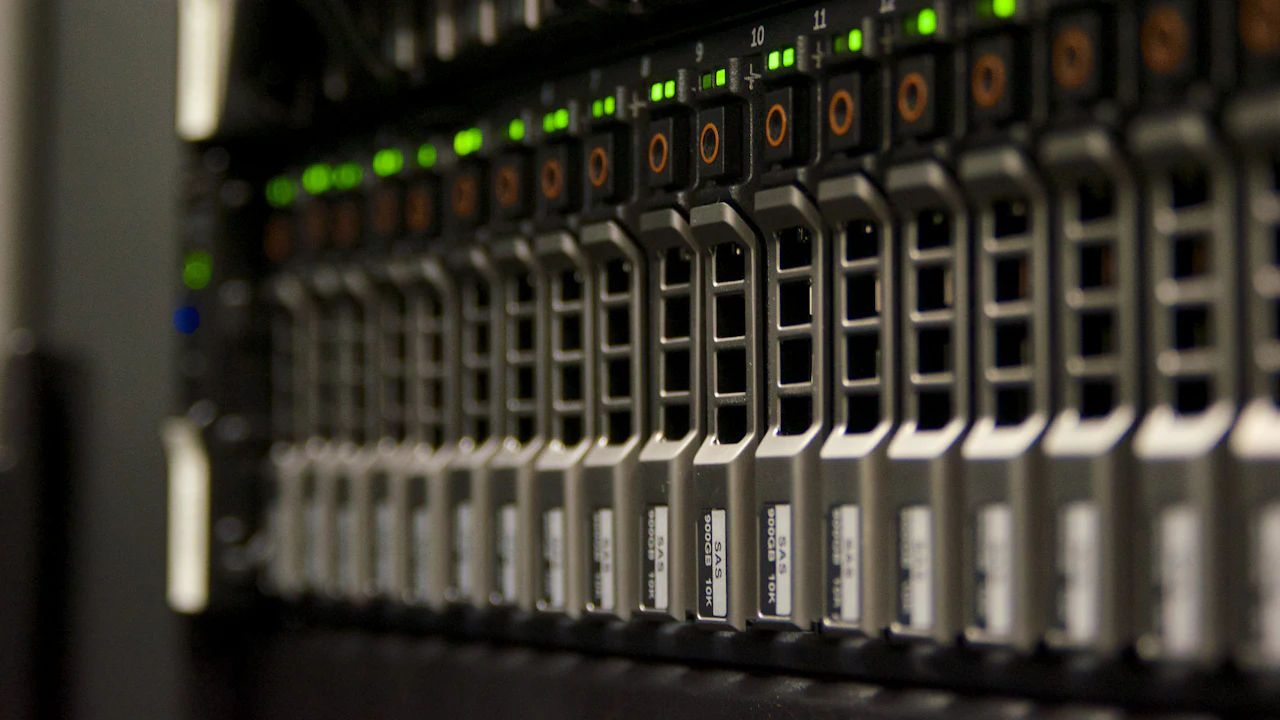
  • A server rack with green status lights

    Custom servers and storage

    A server in your own office, sized for your work, with backups and safe remote access.

    Hover or tap to see uses

    Custom servers and storage

    Three uses, three industries

    • A private AI server for a contractor
    • File storage and backup for an architecture firm
    • A local records server for a clinic

    Where we're taking it

    Your software and your AI crew running on hardware you own.

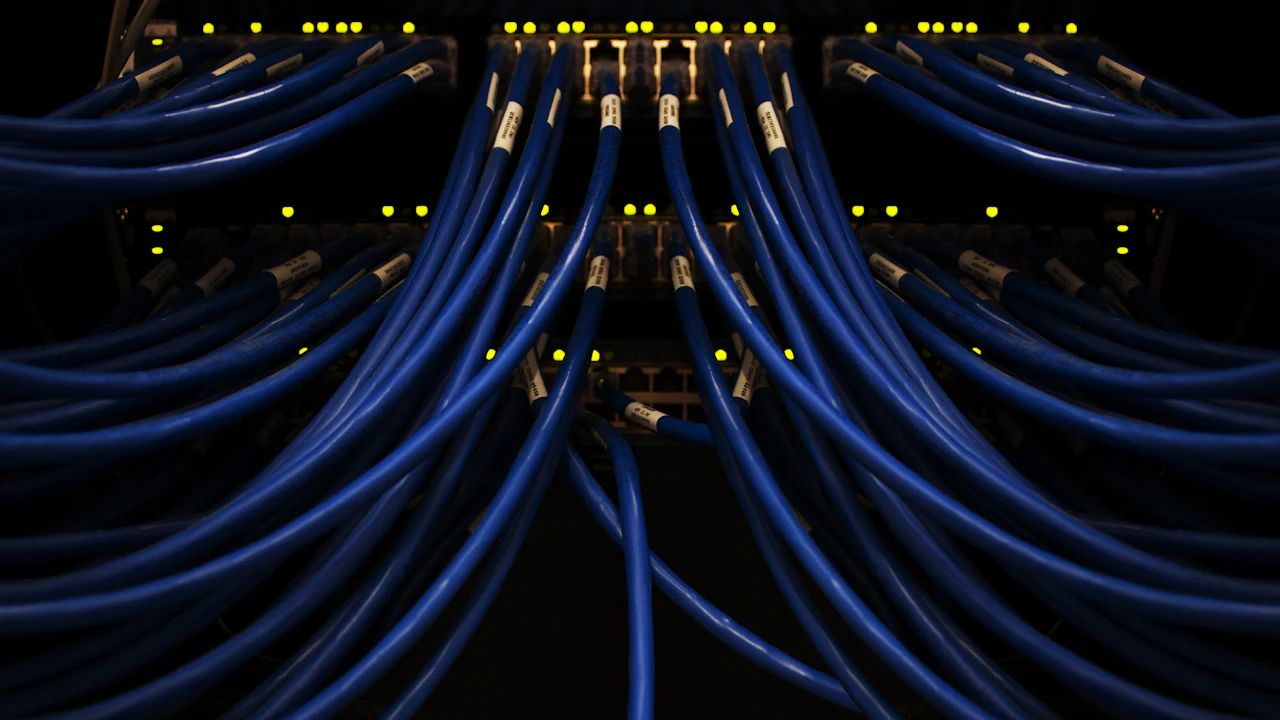
  • Blue network cables in a switch

    Office networks and remote access

    Wired and wireless networks that just work, plus secure access from home or the road.

    Hover or tap to see uses

    Office networks and remote access

    Three uses, three industries

    • Secure remote desktops for an office team
    • Guest Wi-Fi kept apart from business systems
    • A network refresh for a growing school

    Where we're taking it

    Sign in from anywhere with the same security as sitting at your desk.

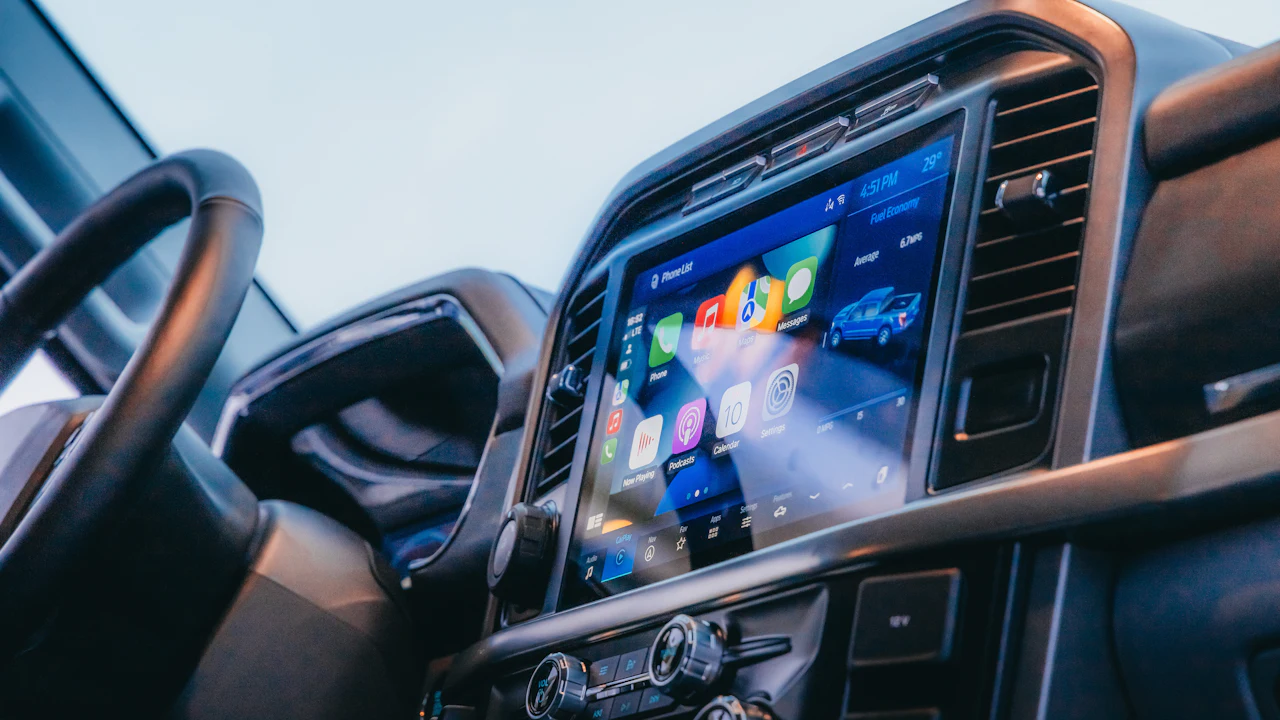
  • A touch screen in a vehicle dashboard

    Rugged field tablets and truck docks

    Tough tablets and mounts for trucks and job sites, set up with your apps and locked down.

    Hover or tap to see uses

    Rugged field tablets and truck docks

    Three uses, three industries

    • A crew lead's tablet docked in the truck
    • Inspection tablets for a property manager
    • Order taking on a warehouse floor

    Where we're taking it

    The office in the truck, ready the moment the engine starts.

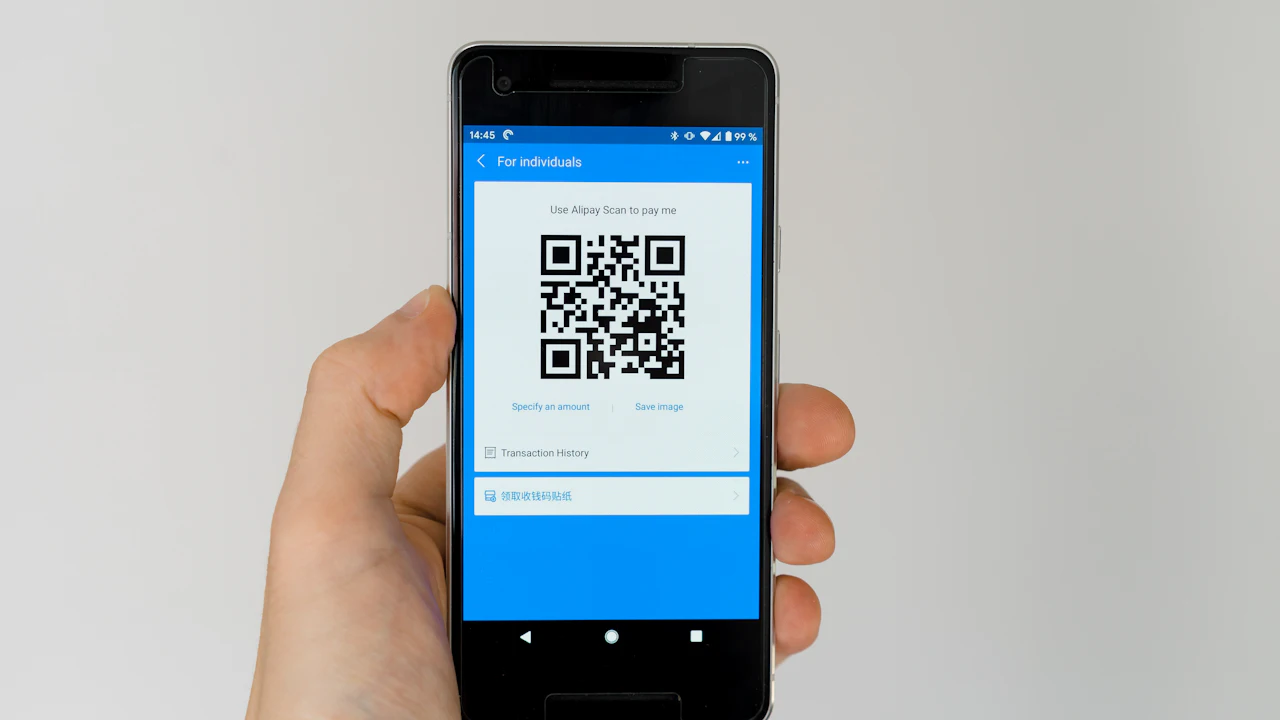
  • A phone showing a QR code

    Tool and asset tracking tags

    QR and smart tags on tools and equipment, so you always know what's where and who has it.

    Hover or tap to see uses

    Tool and asset tracking tags

    Three uses, three industries

    • Tools checked out to jobs and crews
    • Laptops and devices for an IT team
    • Rental gear for an event company

    Where we're taking it

    Scan a tool on the way out, and the job pays for its time.

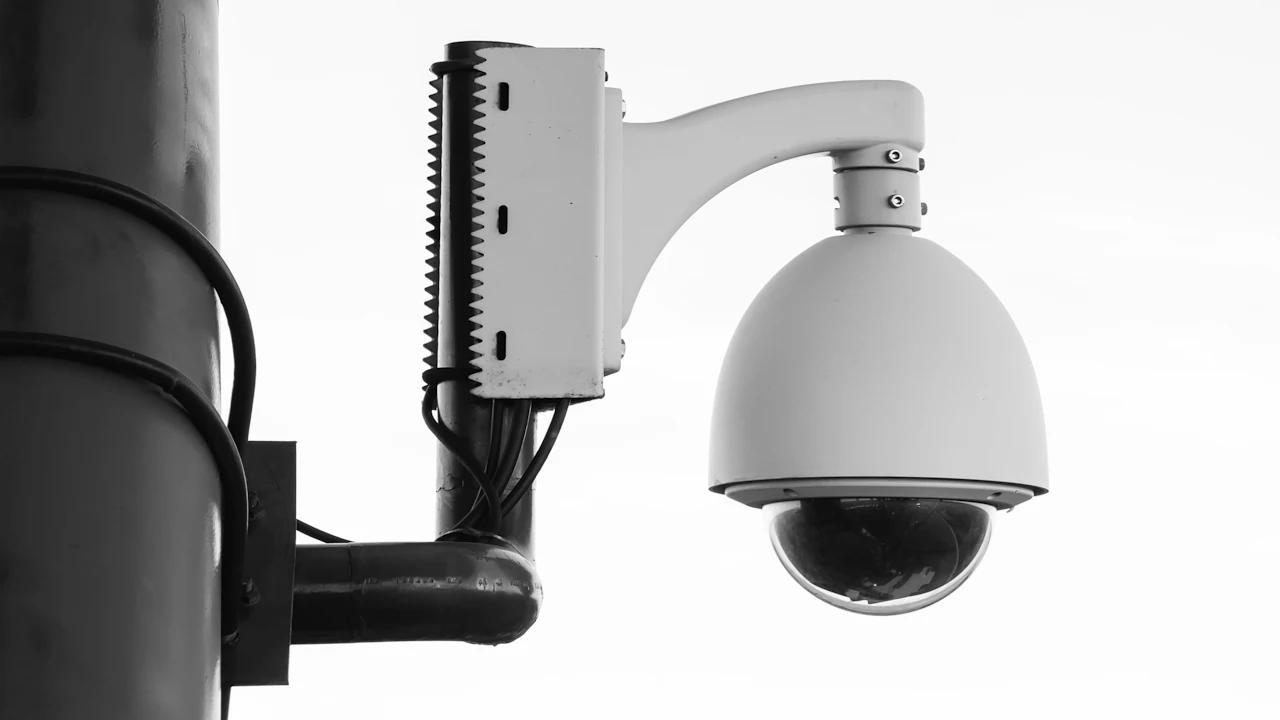
  • A camera mounted on a post

    Cameras and sensors

    Cameras and sensors that watch, count and measure, with the smarts to send only what matters.

    Hover or tap to see uses

    Cameras and sensors

    Three uses, three industries

    • Progress photos on a job site
    • Shelf and door counts for a store
    • Equipment monitoring on a factory floor

    Where we're taking it

    Site cameras that note progress so the daily report writes itself.

  • A large display sign on a building

    Kiosks and displays

    Touch screens and signs for lobbies, counters and shop floors.

    Hover or tap to see uses

    Kiosks and displays

    Three uses, three industries

    • A sign-in kiosk for job-site visitors
    • A self-order screen for a cafe
    • A wayfinding display for a clinic

    Where we're taking it

    A shop-floor screen showing today's jobs and who's on them.

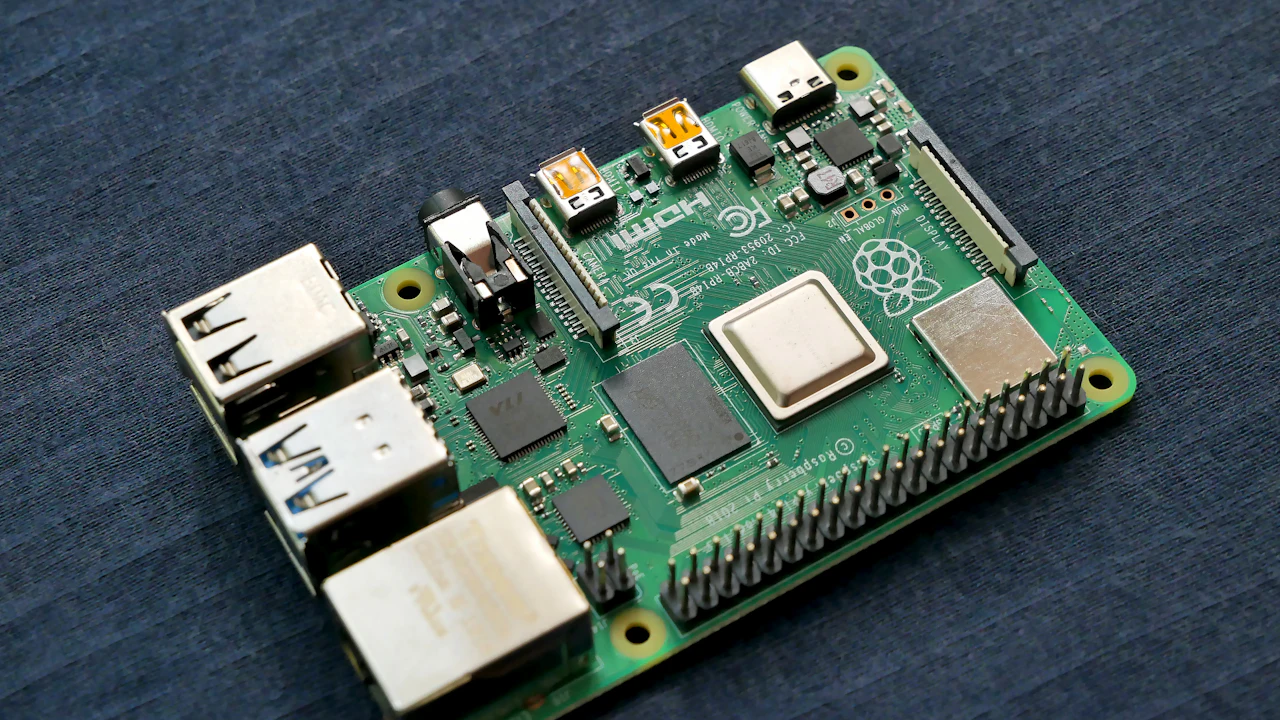
  • A small single-board computer

    Small custom devices

    Small single-board computers and controllers (Raspberry Pi and Arduino class) built into custom gadgets.

    Hover or tap to see uses

    Small custom devices

    Three uses, three industries

    • A job-site weather station
    • A label printer station for a shop
    • A classroom science kit

    Where we're taking it

    Purpose-built little devices that do one job and report to your apps.

Our process

How we build it

Every job follows the same path, from Michael, through the team, and back to Michael.

  1. 1

    Michael

    The boss. He decides what to build.

  2. 2
    Milo, the Boss Bee, leads the team

    Milo, the Boss Bee

    Writes the jobs and hands them out.

  3. 3
    Rhea Reversa, office software scoutQuill Answerby, precon chat & cites

    The AI builders

    Outside AI helpers that do the heavy writing and building, only on practice copies and public information.

  4. 4
    Flick Folderly, precon filesGatekeeper Zara, zero trust leadDevon Deployer, devops engineer

    The specialist bots

    More than 90 helpers, each with one clear job.

  5. 5
    Bugsy Testwell, application qaCheckmate Admina, admin screens qa

    QA: the checkers

    They test everything and report pass or fail.

  6. 6

    Michael approves

    Only then does the work go live.

  1. Every project:
  2. Idea
  3. Design
  4. Prototype
  5. Build
  6. Test
  7. Launch

Industry finder

Pick your industry. See what we'd build.

For construction trades, we'd build:

Takeoff, job cost, crew hours and the office, plus the field hardware to run it.

Proof

Built and used by us first.

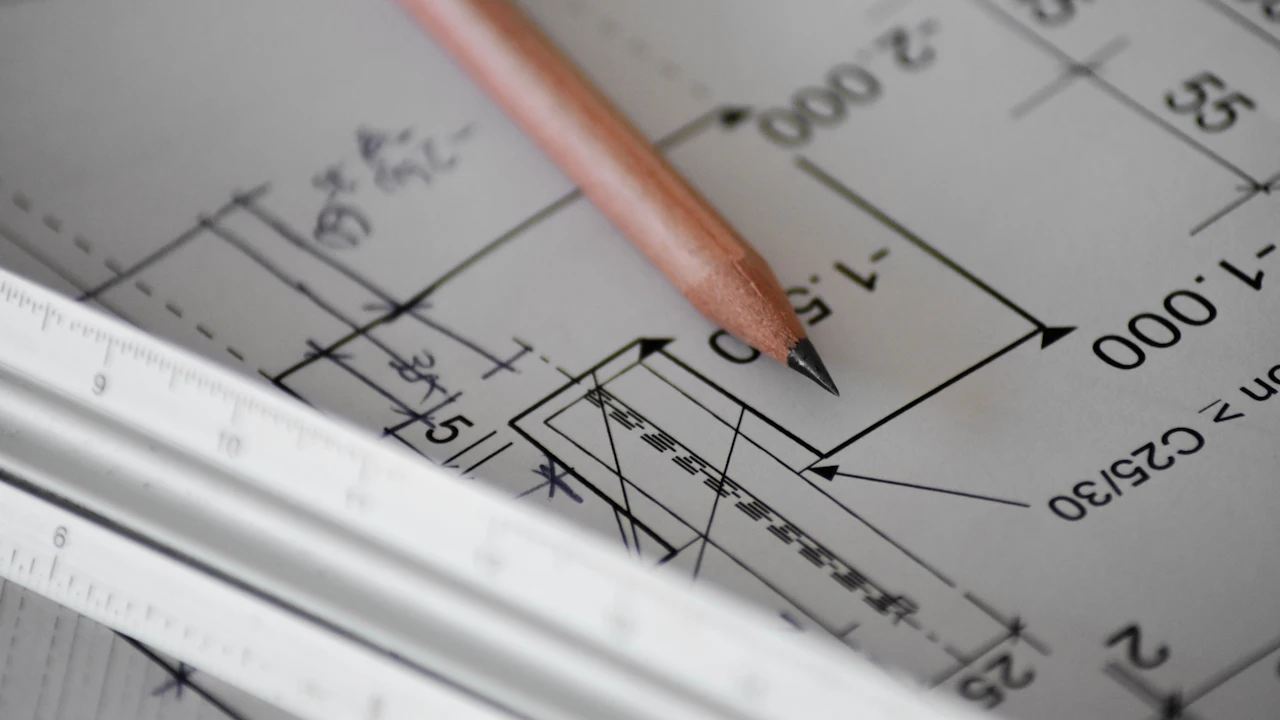
  • Pencil resting on a printed building planBoss Bee, the queen of our hive
    in testing

    Pinnacle Precon modules

    Takeoff, Cost Control, Payroll and Hours, Books, Live Material, Drawing OCR, Teams and an AI helper under one sign-in, switched on per shop.

    Built with TypeScript, React, PostgreSQL

    Read the case study
  • A virtual reality headsetWalt Beecham, our general contractor bee
    in development

    Job Walk 3D

    Walk a building in 3D in the browser, drop pins on walls and floors, and attach notes and photos. Pins save to a file you keep.

    Built with React, three.js, TypeScript

    See the technology card
  • A phone showing a QR codeGus Timberline, our carpentry / framing bee
    in development

    Tool Watch

    QR tags on tools and equipment: check out to a job or crew, check back in, see what's overdue, and report charges by job.

    Built with TypeScript, React, QR codes

    See the technology card
  • A touch screen in a vehicle dashboardWalt Beecham, our general contractor bee
    coming soon

    Truck Office

    The office in the truck: a field tablet and dock for the crew lead. Details when it's ready to show.

    See the technology card

Case studies built with this technology

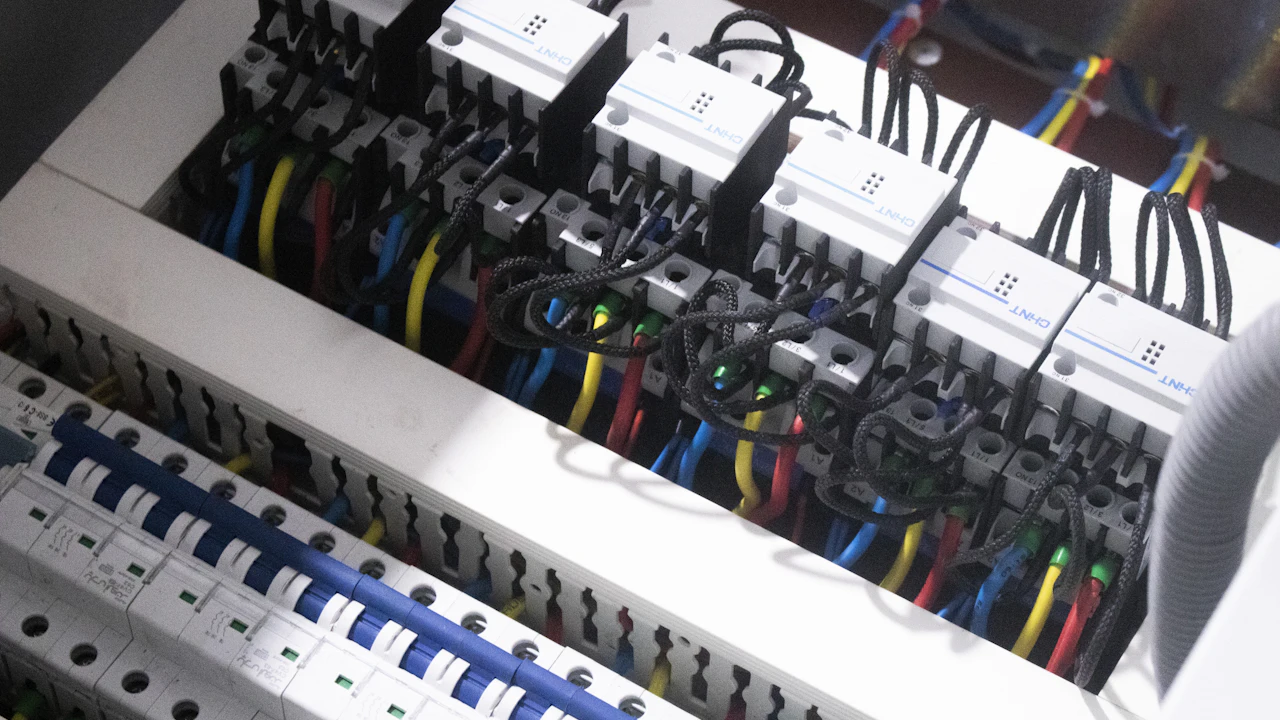
  • Wires landed in an electrical switch boxElectrical Bee, our electrical bee
    in testingElectrical estimating

    Counting plans on the screen

    Precon Takeoff Desk

    Estimators counted devices and footage by hand on paper plans and retyped totals into spreadsheets, so bids were slow and errors were easy to make.

    See how it was done
  • A red padlock on a computer keyboardGatekeeper Zara, zero trust lead
    liveIT and remote work

    The office, from home

    Pinnacle Connect: secure remote access

    Office staff needed the office desktop apps and printers from home without opening the office network to the internet.

    See how it was done
  • A condenser microphoneVelvet Voicewell, voice director
    liveMarketing and media

    Short videos that explain

    Explainer video pipeline

    Contractors don't read long pages. We needed short videos that explain what we do.

    See how it was done
All case studies

Our companies

Our own companies are our first partners.

ibuildyouwin is the parent brand. Everything below is built on the technology on this page.

  • Pinnacle Construction Software wordmark
    Own site coming soon

    Pinnacle Precon™

    Pinnacle Construction Software: Precon and Takeoff for contractors, in modules you pick and choose.

    Visit Pinnacle Precon
  • Bots & Bees wordmark
    Own site coming soon

    Bots & Bees™ Productions

    Our characters, the animated show and ready-made AI helpers.

    Visit Bots & Bees Productions
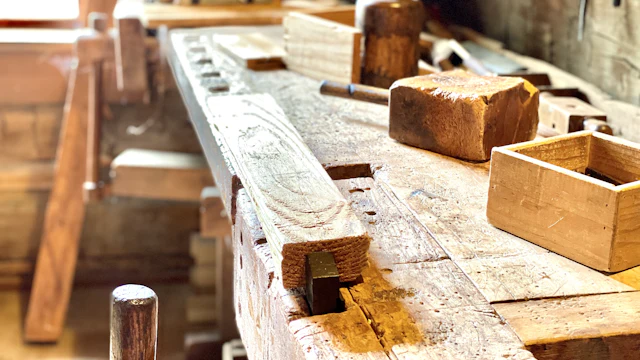
  • Tools on a wooden workbench
    Coming soon

    The Tool Store sites

    Several branded shops on one store engine, starting with tools and electrical gear.

    Visit The Tool Store sites

The technology we build with

Technologies we build with

The kinds of systems we build with and connect to.

Our vision

Our vision, powered by NVIDIA

Our bots and bees are your guides. Each one explains a technology we build with: what it is, what we can build with it, and a real example from our plans.

Boss Bee, the queen of our hive, pointing the way

NVIDIA technology

NVIDIA RTX PRO GPUs

Workstation and server graphics cards built for AI.

What we can build with it

  • A private AI server in a contractor's office
  • Local AI for clinics and law offices that can't send data out
  • 3D rendering and video for studios and schools
  • Fast model testing before anything goes to the cloud

Example: The AI crew runs on a server in the contractor's own office, so job data never leaves the building.

Partner with us
Bee guide

NVIDIA technology

CUDA

The way software uses the GPU for heavy math.

What we can build with it

  • Reading plan sets and counting devices in minutes
  • Scanning thousands of documents or invoices at once
  • Image checks for retail shelves and stockrooms
  • Speeding up reports that used to run overnight

Example: Count every outlet and light on a full plan set in minutes instead of a day.

Partner with us
Robot guide

NVIDIA technology

NVIDIA NIM

Ready-to-run AI models in a box.

What we can build with it

  • Packaged assistants each customer runs on their own hardware
  • Search across a company's own files
  • Front-desk and help-desk assistants
  • Quick pilots without building a model from scratch

Example: Each customer gets the same estimating assistant, installed on their own server.

Partner with us
Bee guide with a camera

NVIDIA technology

TensorRT-LLM

Makes language models answer faster on NVIDIA GPUs.

What we can build with it

  • Quick answers from an on-site AI crew
  • More users per server at the same cost
  • Live chat that doesn't lag
  • Drafting emails and reports in seconds

Example: A foreman asks a question on site and gets the answer before the phone goes back in a pocket.

Partner with us
Robot guide

NVIDIA technology

NVIDIA NeMo

Tools to train and tune AI models for one field.

What we can build with it

  • An assistant that knows estimating, job cost and change orders
  • A model that speaks a clinic's or a school's language
  • Safe answers with guardrails
  • Models that improve from a company's own history

Example: An assistant that reads a change order and knows what it does to the job's cost.

Partner with us
Bee guide

NVIDIA technology

NeMo Agent Toolkit and agent blueprints

Building blocks for AI helpers that work as a team.

What we can build with it

  • A crew of bots and bees that hand work to each other
  • Office helpers that file, check and follow up
  • Store helpers that answer, pack and ship
  • Teaching helpers that quiz and coach

Example: One bot reads the plans, another prices them, and a third checks the math before anyone sees it.

Partner with us
Robot guide with a checklist

NVIDIA technology

NVIDIA Riva

Speech to text and text to speech.

What we can build with it

  • Hands-free logging of hours, materials and change orders
  • Voice notes that turn into reports
  • Phone and kiosk assistants
  • Captions for training videos

Example: A foreman says "four hours on the panel, two boxes of wire" and it's logged.
Partner with us
Bee guide with a paintbrush

NVIDIA technology

NVIDIA Omniverse

A platform for shared 3D worlds and digital twins.

What we can build with it

  • Job Walk 3D replays of the site
  • Digital twins that compare planned vs built
  • 3D training rooms for new workers
  • Virtual stores and showrooms

Example: Replay a job walk in 3D and see what was planned next to what was built.

Partner with us
Boss Bee, the queen of our hive, pointing the way

NVIDIA technology

NVIDIA Cosmos

Models that create and understand the physical world.

What we can build with it

  • Simulating site conditions before work starts
  • Making training images for vision models
  • Testing robots safely in a virtual space
  • What-if views for planning

Example: Train a site camera to spot hazards using simulated job sites.

Partner with us
Bee guide

NVIDIA technology

NVIDIA Isaac

Tools to build and test robots.

What we can build with it

  • Layout robots that mark box and conduit locations
  • Drones that scan progress
  • Warehouse and stockroom robots
  • Robot practice in simulation first

Example: A layout robot marks every box location on the floor straight from the plans.

Partner with us
Robot guide

NVIDIA technology

NVIDIA Metropolis and Jetson

Vision AI for cameras, on small edge computers.

What we can build with it

  • Site cameras for progress and safety
  • Counting deliveries at the gate
  • Store traffic and shelf checks
  • Parking and entry monitoring

Example: A site camera flags a missing hard hat and logs the day's progress.

Partner with us
Bee guide with a camera

NVIDIA technology

NVIDIA RAPIDS

GPU-speed data science.

What we can build with it

  • Forecasting cost overruns before they happen
  • Cash flow outlooks
  • Bid win odds
  • Sales and inventory forecasts for stores

Example: See which jobs are drifting over budget while there's still time to fix them.

Partner with us
Robot guide

NVIDIA technology

Audio2Face and Omniverse animation

Turns a voice track into a talking, animated face.

What we can build with it

  • The animated Bots & Bees cartoon
  • Friendly guide characters on websites
  • Training videos with a presenter
  • Family and kids' media

Example: The Bots & Bees characters talk and react in the family cartoon.

Partner with us
Bee guide

NVIDIA technology

NVIDIA DGX Spark

A compact desktop AI computer.

What we can build with it

  • A small AI box for small contractors
  • A private AI desk for a small office
  • A classroom AI lab
  • Building and testing models at a desk

Example: A two-truck shop gets the same private AI crew on a box that fits on a desk.

Partner with us
Robot guide with a checklist

NVIDIA technology

NVIDIA AI Enterprise

Supported software for running AI at a larger company.

What we can build with it

  • Secure, supported setups for larger companies
  • AI across many offices
  • IT-managed updates and security
  • Long-term support for critical systems

Example: A larger contractor runs the AI crew across every office with IT in control.

Partner with us

The platforms around it

The rest of our stack, each with what we can build on it.

Bee guide with a paintbrush

Platform

Cloudflare

Network, security and secure tunnels.

What we can build with it

  • Secure access to a customer's server with no open ports
  • Fast, protected websites
  • Blocking attacks before they reach the server
  • Small serverless tools at the edge

Example: Reach the office AI server from the job site without opening the office network.

Partner with us
Boss Bee, the queen of our hive, pointing the way

Platform

Stripe

Online payments.

What we can build with it

  • Payments for the store and subscriptions
  • Invoices that can be paid online
  • Course sign-ups
  • Donations and memberships

Example: When the store opens, one checkout for modules, bots and courses.

Partner with us
Bee guide

Platform

ElevenLabs

Natural-sounding AI voices.

What we can build with it

  • Character voices for bots, bees and the cartoon
  • Narration for training and how-to videos
  • Spoken answers from an assistant
  • Audio versions of written guides

Example: Each bot and bee has its own voice in the cartoon and in the app.

Partner with us
Robot guide

Platform

Resend

Email sending for apps.

What we can build with it

  • Receipts and account emails
  • Job updates sent to customers
  • Newsletters
  • Alerts when something needs a person

Example: A daily job summary lands in the owner's inbox each evening.

Partner with us
Bee guide with a camera

Platform

PostgreSQL

A proven open-source database.

What we can build with it

  • The job, cost and document database
  • Customer and order records
  • Reports that stay correct over years
  • Search over structured data

Example: Every job, cost and document lives in one database the customer owns.

Partner with us
Robot guide

Platform

n8n

Workflow automation you can host yourself.

What we can build with it

  • Moving data between apps without copy and paste
  • Follow-ups that run on a schedule
  • Alerts from forms, email and files
  • Glue between the AI crew and office tools

Example: A new bid request gets logged, assigned and acknowledged without anyone touching it.

Partner with us
Bee guide

Platform

ONLYOFFICE

Documents and spreadsheets you can host yourself.

What we can build with it

  • Estimate sheets edited in the browser
  • Shared documents that stay on the company's server
  • Forms and templates
  • Reports the AI crew can fill in

Example: Open the estimate spreadsheet in the browser and the AI fills in the counts.

Partner with us

Product names are trademarks of their owners. Listing a technology means we build with it. It doesn't mean the owner partners with, sponsors or endorses us.
A laptop on a wooden meeting table

Build with us

Technology companies: let's show what your platform can do.

Partner with us, or send us the problem you want solved. No partner logos are shown until a deal is signed.

We build. You win.™

Have a problem worth solving?

Tell us about it. We'll show you how we'd build the solution and what it would save you. Or write to [email protected].